
AI rap video generator
Turn a portrait or a scene idea into a short performance with the AI rap video generator. Choose a look, then make the shot your own.
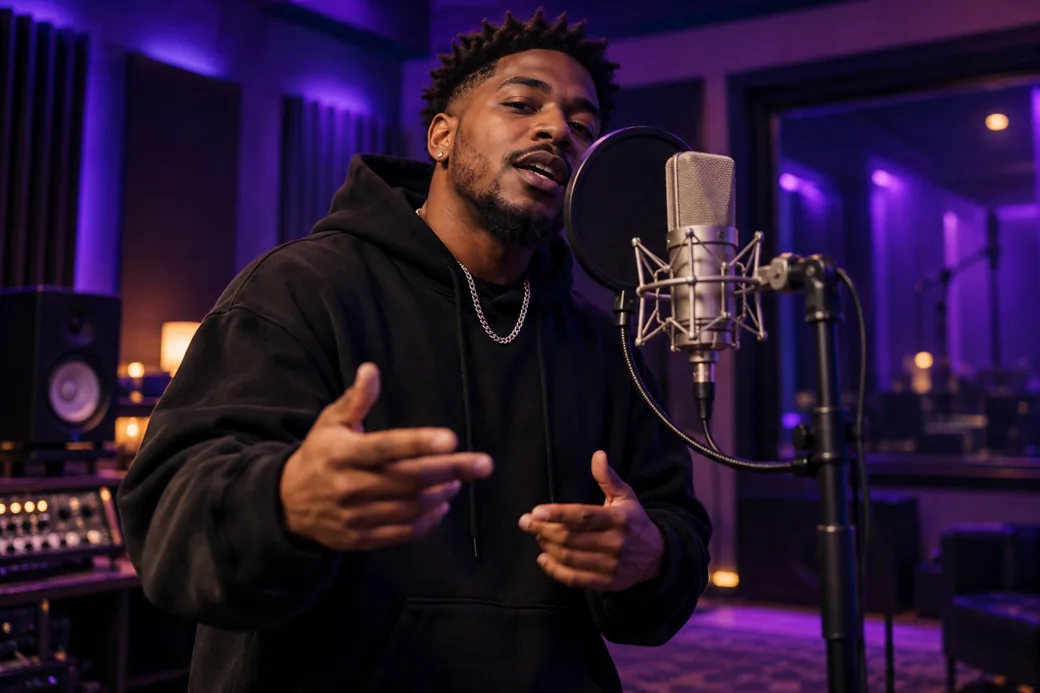
How to make a rap video
Pick the setting
Start in a recording booth, on a dance floor or on a rain-lit street. Each style loads a different scene direction.
Direct the shot
Edit the action, lighting and camera movement. Add a clear portrait as a starting frame if you want to feature someone.
Generate your clip
Choose a model, duration and format. Sign in to start a generation and find your finished clip in My Creations.
Scene study
I Found You in the Crowd
A glance from the balcony meets a face in the crowd. Watch a slow push-in turn a still image into a five-second, silent scene study.
Back to the generatorBefore you record
Compare credit packsCan I start with just a photo?
Yes. Choose a style for a starting prompt, then add a clear portrait as the first frame. You can also start with just the scene description.
Can I change the style prompt?
Yes. Click a style to load its starting direction, then edit it before generating. For example, replace a slow push-in with a wide shot.
Does the sample include a rap track?
The five-second sample is silent. It shows the framing and camera movement you can describe in a prompt.
How much are the credit packs?
Single costs $7.99, Trio costs $19.90 and Party costs $49.90. Each pack is a one-time purchase.